The tour
From "phone rings" to "invoice sent."
One job, start to finish, in a demo shop full of made-up customers. Every screen below is the real app.
Phone rings
Take the call while the caller is still talking.
Who it is, what broke, who should go — written down in the customer’s own words, filed to the right shop, ready to schedule now or later.


The board
Every open job, in one place.
Across every shop you run: what’s checked in, what’s waiting on parts, what’s ready for pickup, and who has it. No whiteboard, no guessing.


Dispatch
The week, laid out by shop.
Click a day to put a job on it; the assigned techs get the reminder and the visit on their calendar. Click a visit to move it when the week does what weeks do.


On site
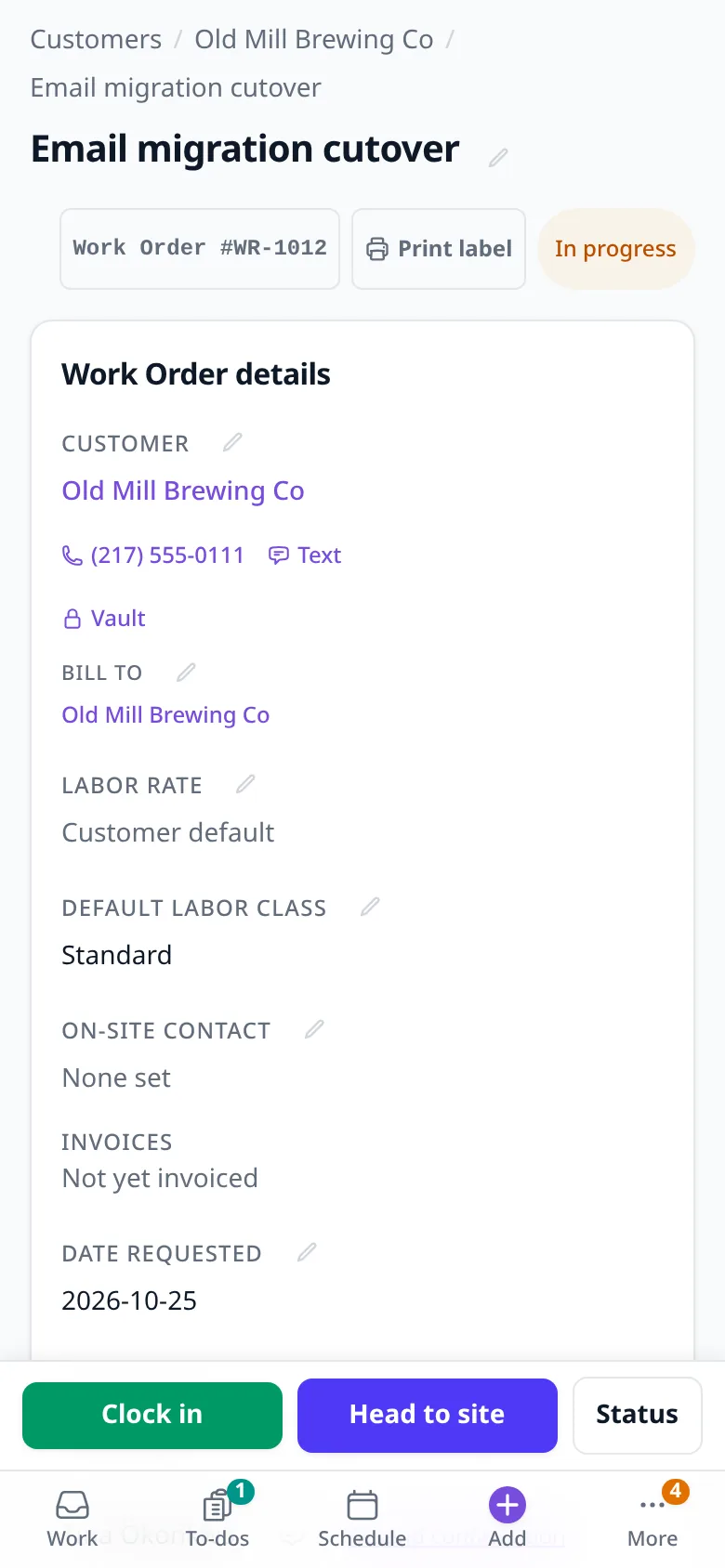
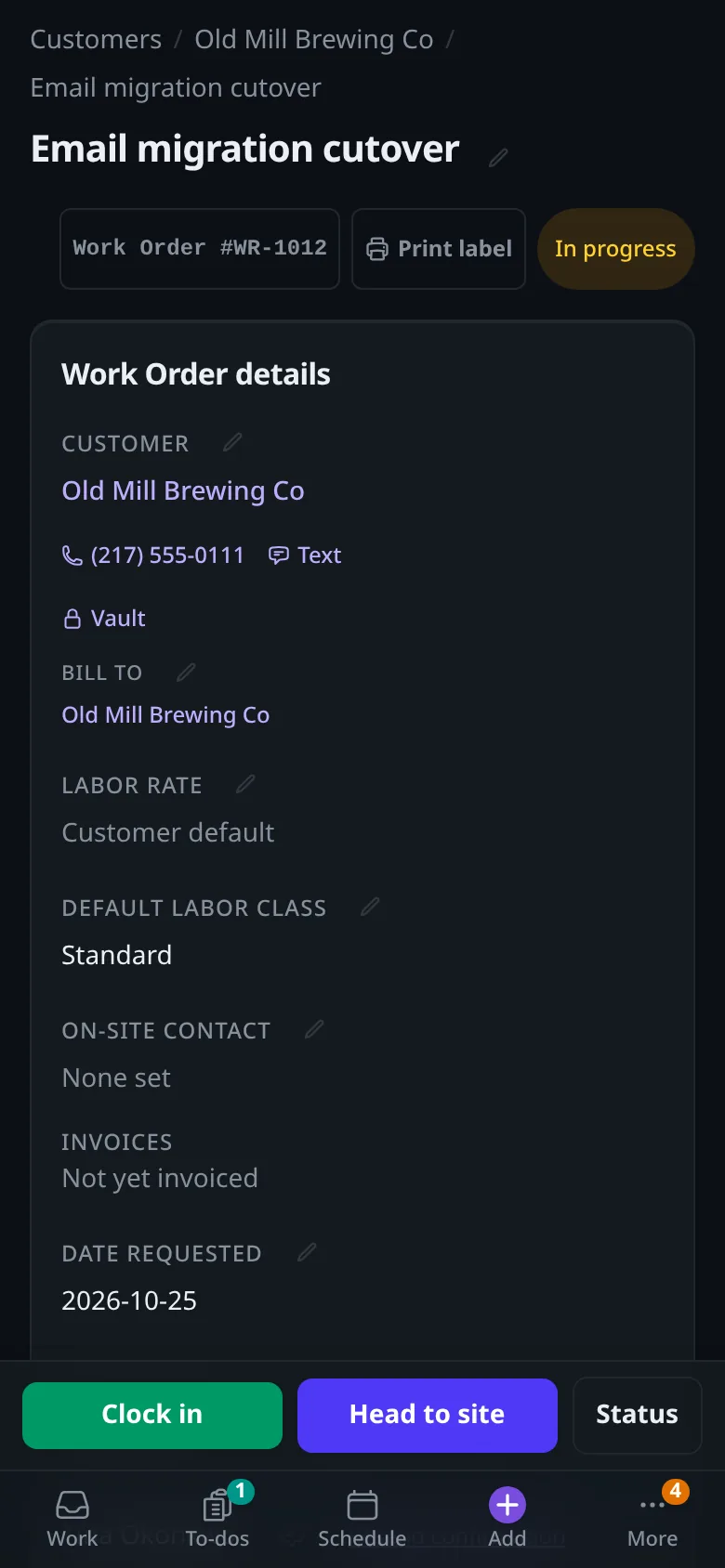
The tech’s whole job, on their phone.
Clock in, head to site, see the customer and the notes. Time, parts and photos are recorded while the job is still in front of them — not reconstructed at the desk on Friday.
To bill
Finished work turns into invoices. Nobody re-types it.
The time and expenses the techs logged are already here, by customer, with recurring charges beside them. Preview it, create the invoice, move on.


The customer’s side
Your customers get a portal, not a PDF hunt.
They sign in with a link and see their own work orders, estimates and invoices — the same lines you billed, nothing lost in an inbox.


Around the job
The rest of running the shop.
Customers
Every customer, every shop, one list.
Phone, email, address and open jobs on one row, with the shop each customer belongs to. Search by name, phone or email, save the views you use, and merge the duplicates a busy front desk makes.


Comms
Customer email lands where the shop can see it.
Each shop has its own inbox, next to crew chat and texting. Every message shows who wrote, what it’s about and who on the team has it — nothing waits in one person’s mailbox.


Staff
Time off, decided in one place.
Requests come in with the dates, the kind of leave and the reason. A manager approves or denies with a note, and the leave already approved stays on the list.


Admin
Set the defaults once.
Payment terms, how invoices go out, whether you take cards or bank transfers, and when reminders go — set once for every shop. A shop can override them, and so can a single invoice.


Connected where it counts
Your books, wherever they already live.
Payments go through Square, QuickBooks Online or Xero, and the books through QuickBooks Online or Xero — whichever your shop already uses, on connections you authorize and can revoke at any time. WorkSync keeps the work and the record; the money stays with your provider.
ScopeSync, our estate-measurement product for MSPs, is coming later.